Website Hacked? The First 24 Hours, Step by Step
Signs of compromise, the order of operations - isolate, rotate, restore, notify - and how to verify you're actually clean before going live again.
Short answer
First 24 hours: isolate, snapshot evidence, rotate secrets, restore from known-good, patch the entry path, notify if personal data may have left, re-scan before celebrating.
Confirm then isolate
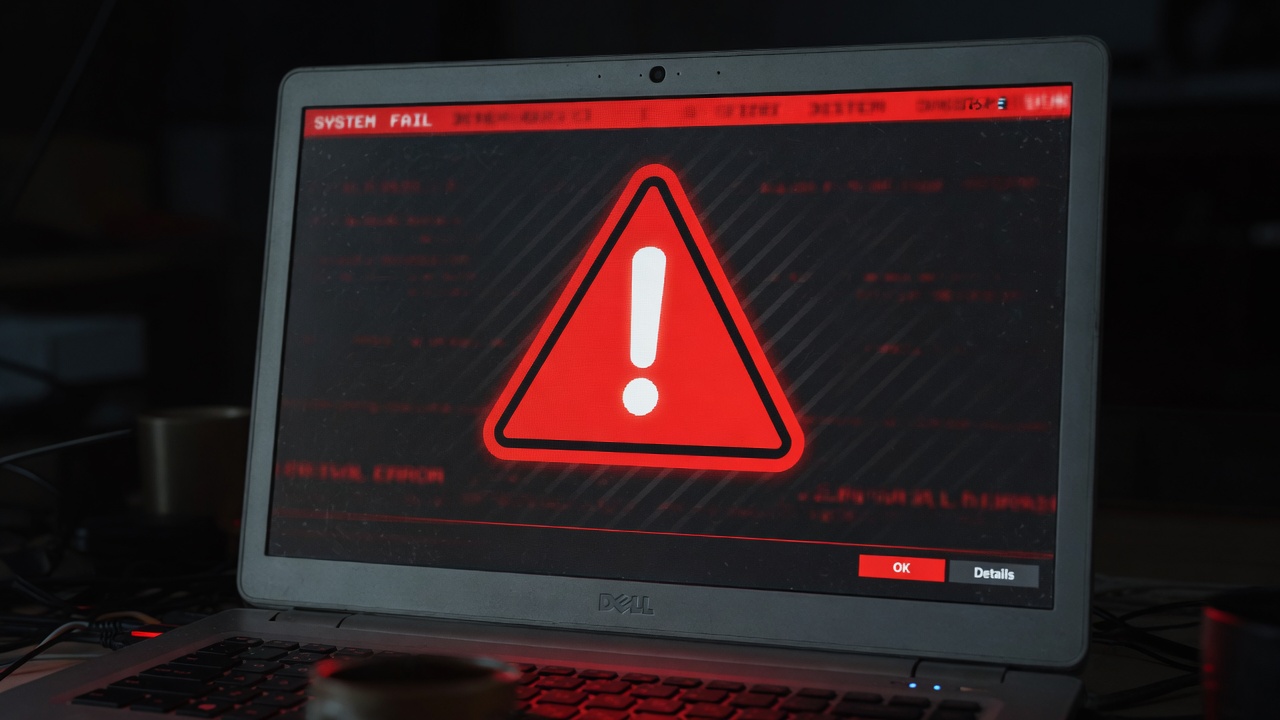
Defacements, unexpected admins, miners, spam relays, and odd outbound traffic are common signs.
Isolate so reinfection stops - leaving a live infected host "for investigation" often means ongoing damage.
Readers skimming website hacked first 24 hours often stop at definitions. The part that prevents incidents is the verification step after the change - and the habit of re-checking after the next deploy that touches the same layer.
Rotate and restore
Snapshot first. Rotate every secret. Restore code from trusted commits, not the infected disk image alone.
If you restore from the same compromised backup without rotation, you reinstall the attacker's access.
Common failure mode for website hacked first 24 hours: staging looks fine, production still serves the old config because a CDN, load balancer, or second vhost was never updated. Always verify the hostname customers hit.
Verify
Re-scan, hunt webshells, watch auth logs for a week. Only then call it closed.
Premature "we are back" posts are how second incidents start.
If this section on website hacked first 24 hours becomes a recurring ticket, automate the check. Manual one-offs rot; a post-deploy assertion or weekly grade keeps the control honest.
What to do this week
- Write the 24-hour order on one page and store it offline.
- Name who can isolate production after hours.
- Confirm backups are restorable before you need them.
- List secrets to rotate if admin is ever compromised.
Order beats heroics.
Update log (1)
2026-04-27Editorial form rewrite for length and uniqueness.
Sources + verification
Practical guidance based on mainstream browser behavior, common reverse-proxy configuration, and widely published RFCs and vendor docs. Verify on your own stack with curl, browser devtools, and a re-scan after each change.